
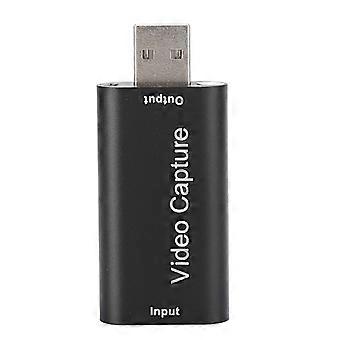
USB2.0 HDMI Video Capture Card Live Broadcast Recording Box Support OBS Black
+ RON37.49 Shipping
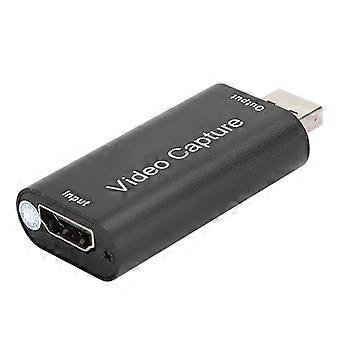
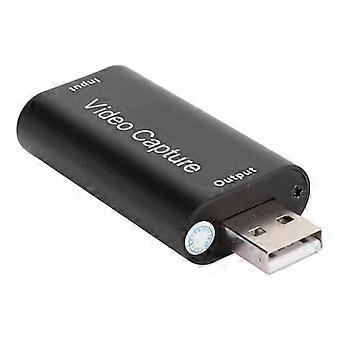
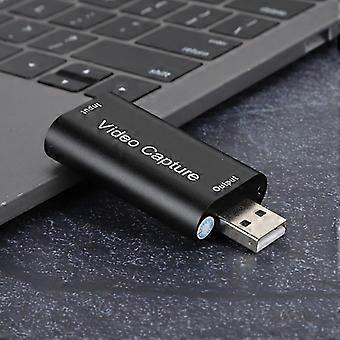
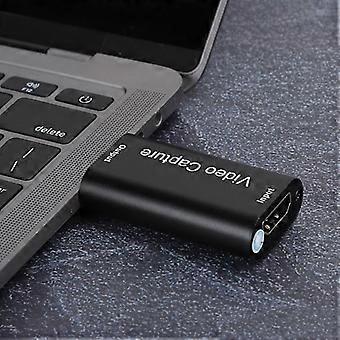
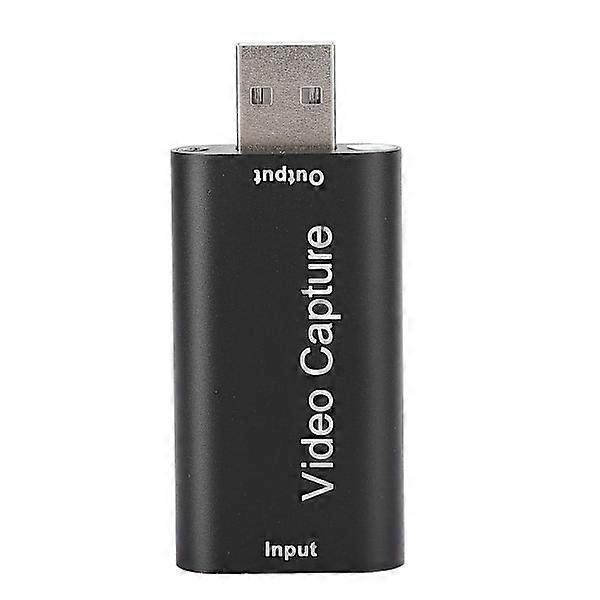
USB2.0 HDMI Video Capture Card Live Broadcast Recording Box Support OBS Black
- Brand: Unbranded
USB2.0 HDMI Video Capture Card Live Broadcast Recording Box Support OBS Black
- Brand: Unbranded
Save RON130.00 (48%)
RRP
14-Day Returns Policy
Save RON130.00 (48%)
RRP
14-Day Returns Policy
Payment methods:
Description
USB2.0 HDMI Video Capture Card Live Broadcast Recording Box Support OBS Black
- Brand: Unbranded
- Category: Streaming & Home Media Players
- Fruugo ID: 410567488-869157085
- EAN: 6901837570480
Product Safety Information
Please see the product safety information specific to this product outlined below
The following information is provided by the independent third-party retailer selling this product.
Product Safety Labels

Delivery & Returns
Dispatched within 24 hours
-
STANDARD: RON37.49 - Delivery between Mon 05 January 2026–Tue 13 January 2026
Shipping from China.
We do our best to ensure that the products that you order are delivered to you in full and according to your specifications. However, should you receive an incomplete order, or items different from the ones you ordered, or there is some other reason why you are not satisfied with the order, you may return the order, or any products included in the order, and receive a full refund for the items. View full return policy
Product Compliance Details
Please see the compliance information specific to this product outlined below.
The following information is provided by the independent third-party retailer selling this product.
Manufacturer
The following information outlines the contact details for the manufacturer of the relevant product sold on Fruugo.
- YQ Trading A
- Guangzhou Yueqing Trading Co., Ltd.
- 34 Xi San Jie, Changban
- Room 401, Tianhe District
- Guangzhou
- CN
- 510000
- yueqtrad@outlook.com
- 8613559392222
Responsible Person in the EU
The following information outlines the contact information for the responsible person in the EU. The responsible person is the designated economic operator based in the EU who is responsible for the compliance obligations relating to the relevant product sold into the European Union.
- IBERTRUST GLOBAL SOCIEDAD LIMITADA
- IBERTRUST GLOBAL SOCIEDAD LIMITADA
- C/ PABLO IGLESIAS 1A ENTRES
- CASTELLON DE LA PLANA
- ES
- 12001
- contact@ibertrust.info
- 0034 611904867