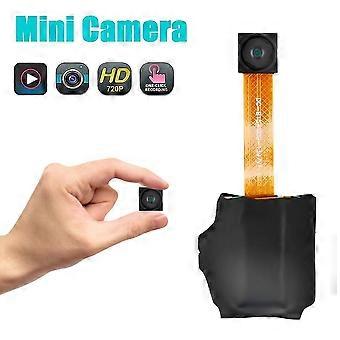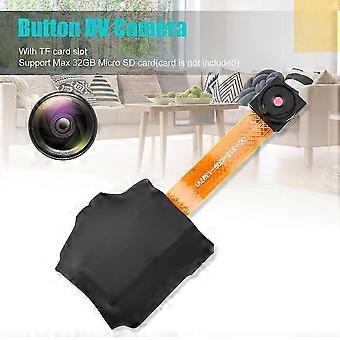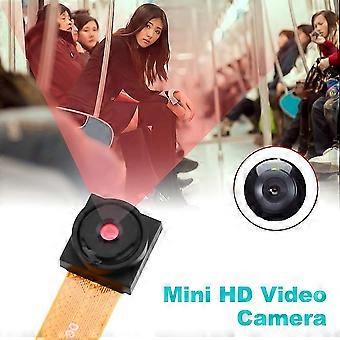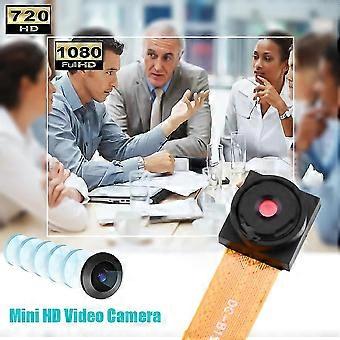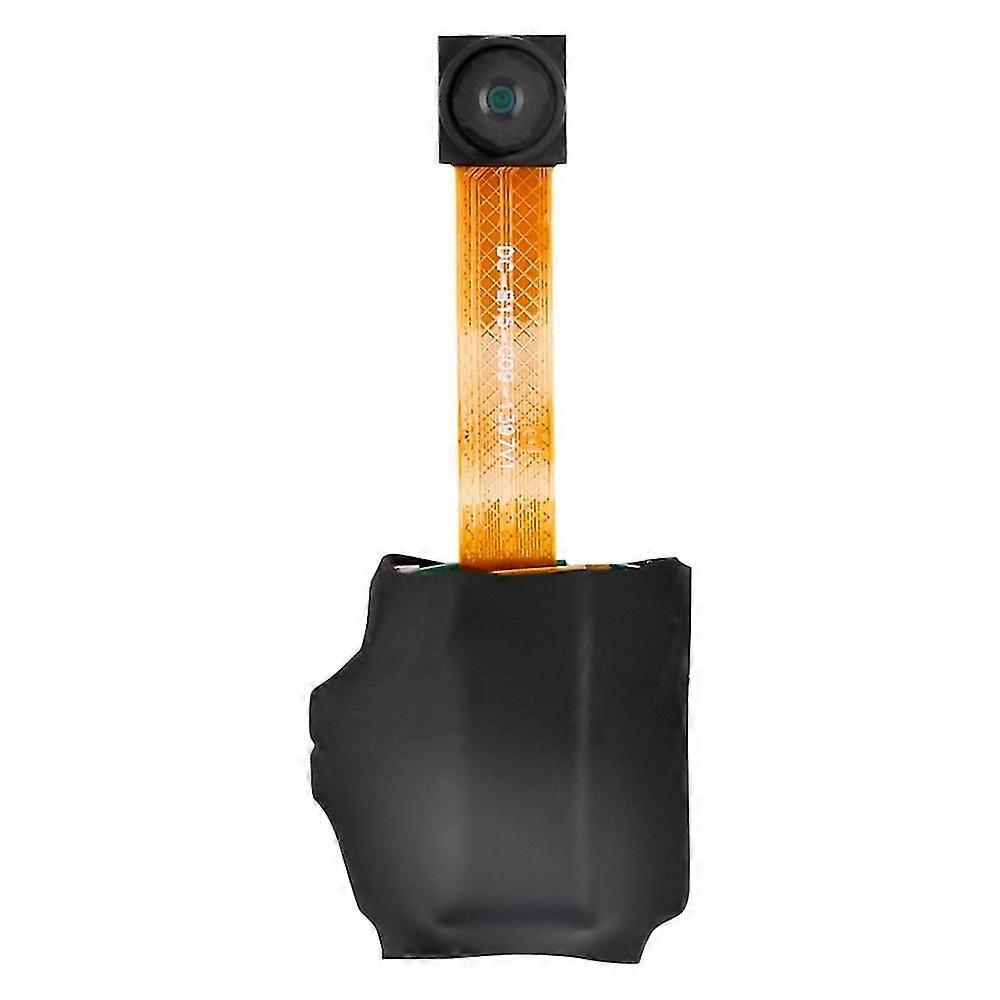
720p Button Dv Camera Mini Video Camera Loop Recording Computer Webcam

209,00 RON
+ 42,49 RON Livrare

720p Button Dv Camera Mini Video Camera Loop Recording Computer Webcam

  • Marcă: Unbranded
Vândut de:

720p Button Dv Camera Mini Video Camera Loop Recording Computer Webcam

  • Marcă: Unbranded

209,00 RON

Economii 240,00 RON (53%)

Preț recomandat

449,00 RON
În stoc
+ 42,49 RON Livrare

Politica de retur pe 14 zile

Vândut de:

209,00 RON

Economii 240,00 RON (53%)

Preț recomandat

449,00 RON
În stoc
+ 42,49 RON Livrare

Politica de retur pe 14 zile

Metode de plată:

Descriere

720p Button Dv Camera Mini Video Camera Loop Recording Computer Webcam

720P Button DV Camera Mini Video Camera Loop Recording Computer Webcam •Power On/Off: Press and hold the operation button for 2 seconds; the red indicator light stays on steadily, entering standby mode. To power off, press and hold the operation button for 4 seconds; the red light goes off, and the camera will automatically save the current recording file and shut down •Take Photo: When the camera is in standby mode, press the operation button once; the red light flashes once, taking a photo and saving it. After taking a photo, the red light stays on steadily, returning to standby mode •Record Video: When the camera is in standby mode, press the power button for 2 seconds; the red light blinks, starting the recording. Press the operation button again, and the red light stays on steadily; the recording file is saved, returning to standby mode •Low Battery: If the battery level is low during use, the red light will quickly flash 5 times before shutting down. Files will be saved before shutting down •Charging: Connect the device to a computer or power adapter for charging. The red light blinks while charging and stays on steadily when fully charged •Move Disk: In the power-off or standby state, connect the camera to a computer. The computer will recognize it as a removable disk, and recorded video files are stored in /-REC/100MEDA directory. When exchanging data with the computer, the blue light will rapidly flash. To safely disconnect, click the removable device icon in the bottom right corner, and wait for the system confirmation before unplugging the camera •Time Adjustment: Connect the device to a computer, find the movable disk, and run the "Time Adjustment Tool" to synchronize the device time with the computer time •Computer Webcam: In any mode, turn on/off the camera, connect it to the computer's USB port to enter webcam mode. In this mode, you can use the camera as a computer webcam Troubleshooting: •Camera shuts down with 5 red light flashes: Check if the memory is full or the battery is low. Delete or back up files if the memory is full, or replace the memory card. •Not working: Due to incorrect operations or unknown reasons, reset the device. Package included: •1 x Button DV Camera •1 x Charging Cable •1 x English User Manual
  • ID Fruugo: 343133479-751910777
  • EAN: 8118610965120

Informații privind siguranța produsului

Vă rugăm să consultați informațiile despre siguranța produsului specifice acestui produs prezentate mai jos

Următoarele informații sunt furnizate de comerciantul independent terț care vinde acest produs.

Etichete de siguranță pentru produse

CE Mark
Avertismente de siguranță: Not suitable for children under 36 months
Ingrediente: other

Livrări şi Returnări

Expediat în 5 zile

  • STANDARD: 42,49 RON - Livrare între mar. 20 ianuarie 2026–joi 29 ianuarie 2026

Livrare de la China.

Facem tot ce ne stă în putinţă să ne asigurăm că produsele comandate de dumneavoastră vă sunt livrate în întregime şi conform specificaţiilor. Cu toate acestea, dacă primiţi o comandă incompletă sau articole diferite de cele comandate, sau aveţi alt motiv pentru care nu sunteţi mulţumit de comandă, puteţi returna comanda sau orice produse incluse în comandă şi primiţi o rambursare completă pentru articole. Vizualizaţi întreaga politică de returnare

Detalii de conformitate a produsului

Vă rugăm să consultați informațiile de conformitate specifice acestui produs prezentate mai jos.

Următoarele informații sunt furnizate de comerciantul independent terț care vinde acest produs.

Producător:
În continuare se prezintă informațiile de contact ale producătorului produsului relevant vândut pe Fruugo.

  • Qingdao Rinuo Network Technology Co., Ltd
  • Qingdao Rinuo Network Technology Co., Ltd
  • 中国(山东)自由贸易试验区青岛片区前湾保税港区上海路10号1层134室(B)
  • Qingdao
  • China
  • 266000
  • dwct678@163.com
  • 13123456789

Persoana responsabilă în UE:
În continuare se prezintă informațiile de contact ale persoanei responsabile din UE. Persoana responsabilă este operatorul economic desemnat, cu sediul în UE, care este responsabil pentru obligațiile de conformitate referitoare la produsul relevant vândut în Uniunea Europeană.

  • Y & H S.R.L.
  • Y & H S.R.L.
  • Via Gravina 21 MT matera,Trani,Puglia
  • Puglia
  • Italy
  • 75100
  • itlyhsrl@gmail.com
  • 00393917722149