
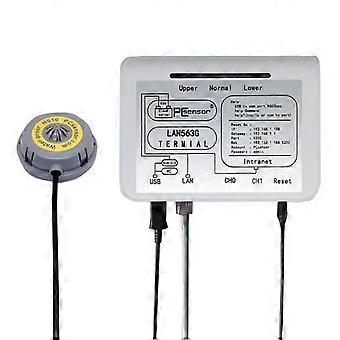
LAN563G-HS10-2 Household Intelligent Network Remote Temperature Monitoring System
+ 31,49 RON Livrare
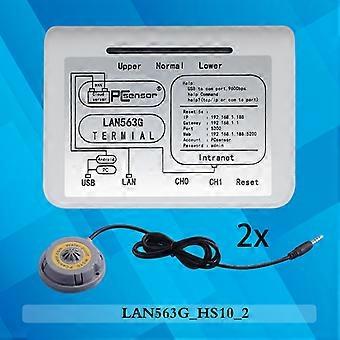
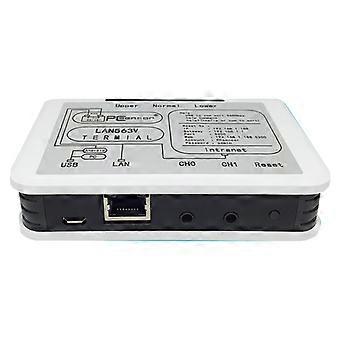
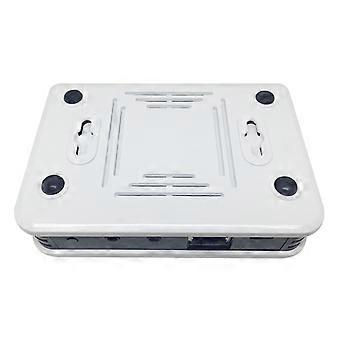
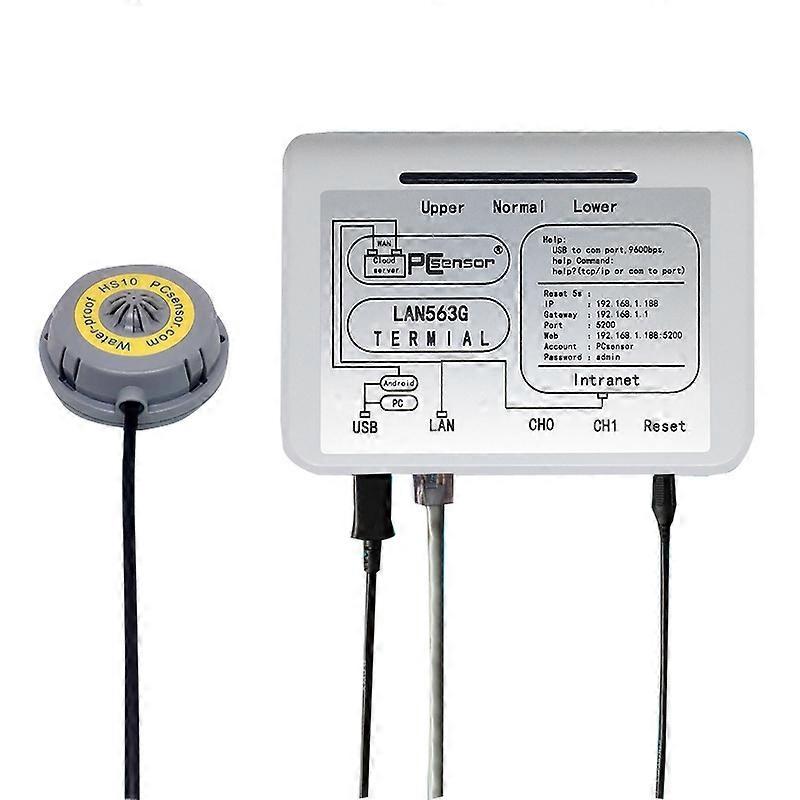
LAN563G-HS10-2 Household Intelligent Network Remote Temperature Monitoring System
- Marcă: Unbranded
LAN563G-HS10-2 Household Intelligent Network Remote Temperature Monitoring System
- Marcă: Unbranded
Acceptăm următoarele metode de plată
Descriere
LAN563G-HS10-2 Household Intelligent Network Remote Temperature Monitoring System
- Marcă: Unbranded
- Categorie: Monitoare de bebeluși
-
Stil: Not Specified
- ID Fruugo: 356632482-775057303
Informații privind siguranța produsului
Vă rugăm să consultați informațiile despre siguranța produsului specifice acestui produs prezentate mai jos
Următoarele informații sunt furnizate de comerciantul independent terț care vinde acest produs.
Etichete de siguranță pentru produse

Livrări şi Returnări
Expediat în -1 zile
-
STANDARD: 31,49 RON - Livrare între mie. 17 decembrie 2025–vin. 26 decembrie 2025
Livrare de la China.
Facem tot ce ne stă în putinţă să ne asigurăm că produsele comandate de dumneavoastră vă sunt livrate în întregime şi conform specificaţiilor. Cu toate acestea, dacă primiţi o comandă incompletă sau articole diferite de cele comandate, sau aveţi alt motiv pentru care nu sunteţi mulţumit de comandă, puteţi returna comanda sau orice produse incluse în comandă şi primiţi o rambursare completă pentru articole. Vizualizaţi întreaga politică de returnare
Detalii de conformitate a produsului
Vă rugăm să consultați informațiile de conformitate specifice acestui produs prezentate mai jos.
Următoarele informații sunt furnizate de comerciantul independent terț care vinde acest produs.
Producător:
În continuare se prezintă informațiile de contact ale producătorului produsului relevant vândut pe Fruugo.
- SUNSKY
- Shenzhen SUNSKY Technology Limited
- 818, Building 614, Bagua 2nd Road, Bagua Ling Industrial Z one, Pengsheng Community, Yuanling Street,
- Futian District, Shenzhen, guangdong
- China
- Shenzhen
- CN
- 518029
- service@sunsky-online.com
- +86-755-83035355
- https://www.sunsky-online.com/
Persoana responsabilă în UE:
În continuare se prezintă informațiile de contact ale persoanei responsabile din UE. Persoana responsabilă este operatorul economic desemnat, cu sediul în UE, care este responsabil pentru obligațiile de conformitate referitoare la produsul relevant vândut în Uniunea Europeană.
- Yating He
- E-CrossStu GmbH
- Mainzer Landstr.69
- Frankfurt am Main, Hessen,Deutschland
- Germany
- Frankfurt
- DE
- 60329
- E-CrossStu@web.de
- +49 69332967674