Descriere
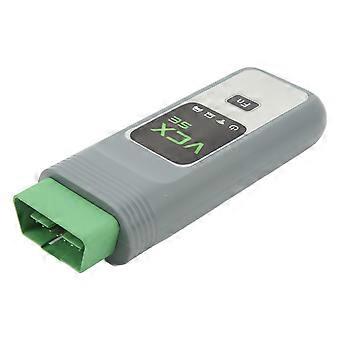
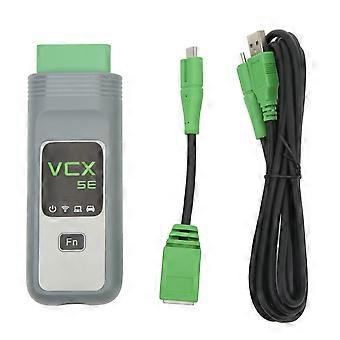
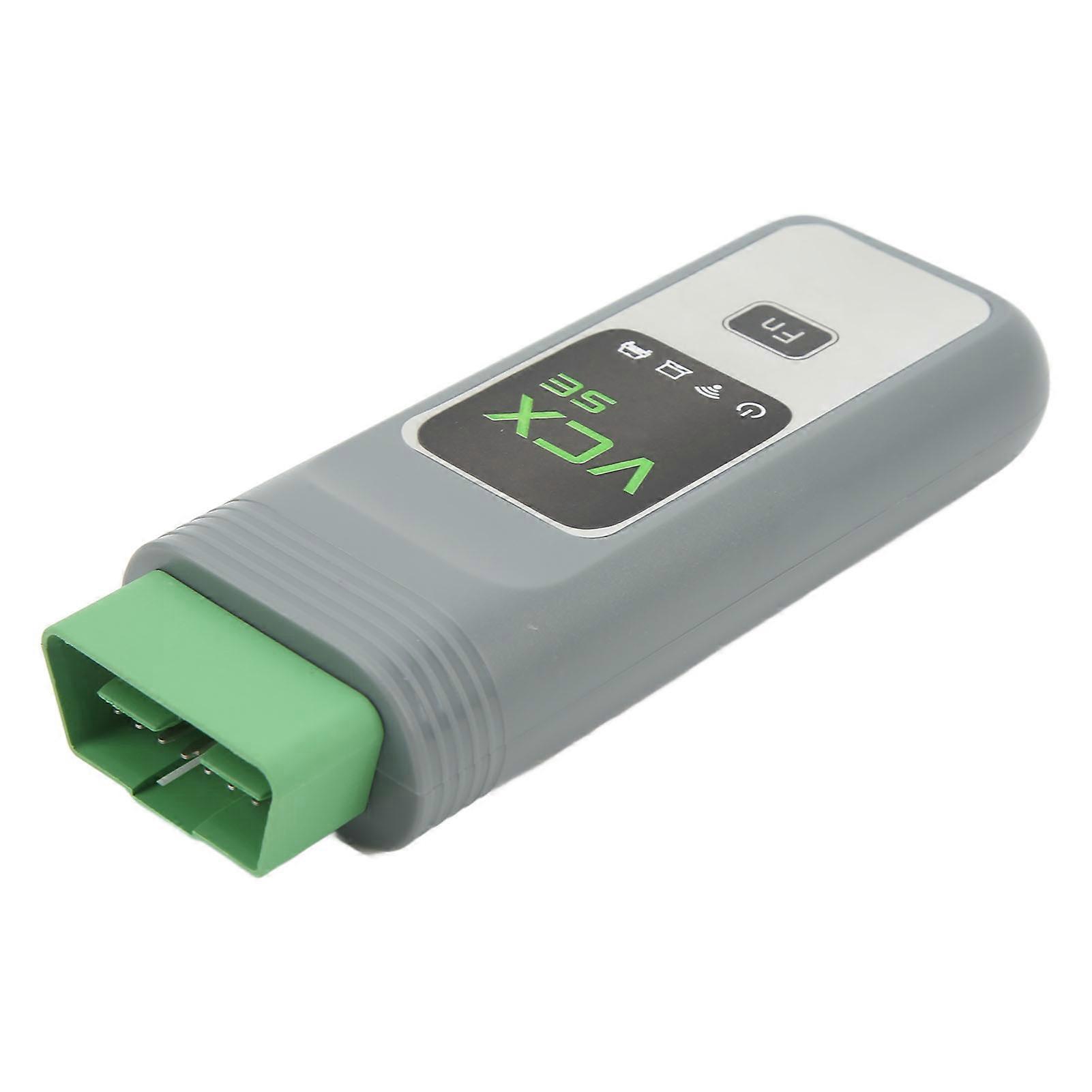
for VXDIAG VCX SE OBD2 Scanner Wifi Coding Programming Diagnostic Interface for E F G Series Cars
for VXDIAG VCX SE OBD2 Scanner Wifi Coding Programming Diagnostic Interface for E F G Series Cars
Item Type: Car Diagnostic Tool
Material: ABS
Note:
1) This link has 3 options:
Devices without HDD software;
Devices with HDD software;
Hard disk software only
2) You can also watch more videos to get more technical support from the official for VXDIAG website.
Introduction:
For VXDIAG VCX SE is a professional diagnostic tool for programming and coding all for E F G series vehicles. Suitable for ICOM A2 A3 NEXT WIFI vehicle diagnostic tool
The new software can program and code all for E F G series vehicles
All scanners support software and are good at fiber programming.
Features:
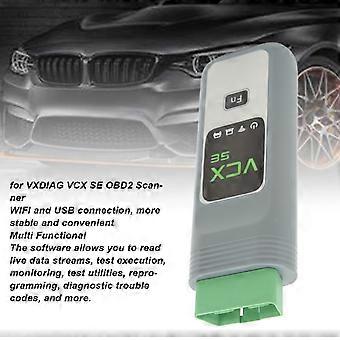
The software can read real time data stream, test execution, monitoring, test utility, reprogramming, diagnostic fault code, etc.
The device supports Wifi and USB connection
The main diagnostic software includes: (possibly updated)
Applicable to ISTA-D V40.01.21 (diagnosis);
For ISTA-P V3.59.4.004 (programming);
Used for ISPI (the fourth generation diagnostic software client);
E-SYS (used for F series engineering software, which can be used for programming, coding, Chinese culture, hidden functions and advanced functions);
WINKFP (for E series: programming, upgrading and downgrading);
Tool 32 (input key, import code, delete certificate, advanced functions);
(read vehicle information, diagnose, read and clear fault codes);
code (for E-series: import data, change code or realize hiding function);
KSD2 (provide complete vehicle maintenance information for diagnosis or programming);
NCS Expert tool (for E series: set code, realize hiding function and change settings);
For software, including the engineer version, this is a fast and convenient diagnostic programming and coding system that engineers in German are using. The system is designed in English and German. The engineer version is so practical and powerful that it can realize the professional functions that can be realized by all original professional computers, and can change the language to Chinese through the OBD port for imported vehicles (European controlled vehicles, the United States and the United States, Africa). Etc.). Functions mainly include: diagnosis, programming (only including programming of one module), coding, realizing hidden functions, activating new functions, and updating module system.
Function:
The following functions can be activated based on an existing configuration model:
Use the button in the cab to close the trunk (electric tailgate) and terminate the backward operation at any time (available in vehicles equipped with electric tailgate)
Activate the Bluetooth phone function to automatically play music in the phone each time you drive. (Available in models with USB ports in the armrest box or transmission)
Audio and video playback via USB cable.
Connect to your phone via WiFi (you need your phone to install software)
Turn on speech recognition (currently available only in English digital phone dialing)
Operate the navigation menu while driving and watch DVD (you can also watch DVD even if the CD comes with the original car) Active Internet applications (available in 2012.09 models with professional navigation function, but not supported for unknown reasons)
Immediately fold the rearview mirror with the remote control (for the original vehicle, the owner needs to press the lock key for 1.5 seconds)
Activate the transmission program on the sports car to speed up faster. However, this will cause a fault code in the ECU test of the 4S store. (Not recommended)
Effectively prevent rear end collision, because the brake light will flash rapidly when braking severely (for 3 series and 5 series, under test)
Use mobile phone traffic to access the Internet on iDrive through mobile phone Bluetooth (not tested yet)
Adjust the warning speed of lane changing (available in high end vehicles equipped with rear view mirrors and dead angle warning indicators) (not yet tested)
Automatically release the hand brake (stop button) when the vehicle starts (tests)
Lane departure system and roadside warning recognition function are added (available in optional vehicles with front camera) (not tested)
L7 Surround Pro
Personalization:
1. Set the safety belt alarm time (s/s)
2. Disable the passenger safety belt alarm
3. Disable the driver safety belt alarm
4. Set the engine on off status to the same as before the ignition switch is turned off or the default status is turned off.
5. Set the central door lock to automatically unlock when the engine is turned off
6. After the ignition is turned on, set the fuel economy mode as the default mode
7. Enable rolling shutter when opening the door
8. Enable or disable the DRL option.
9. Set the highlighted auxiliary lights and intersection traffic lights to Automatic
10. Enable to adjust DRL brightness (default factory setting is the brightest)
11. Set the fog lamp to turn on when the headlight is turned on
12. Enable lock unlock sound an
-
ID Fruugo:
389756678-835360652
-
EAN:
3091310770179