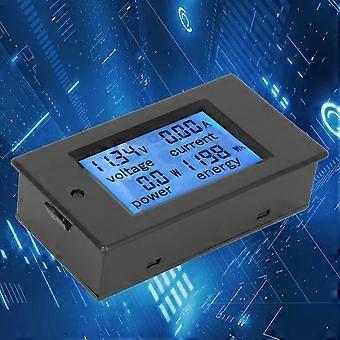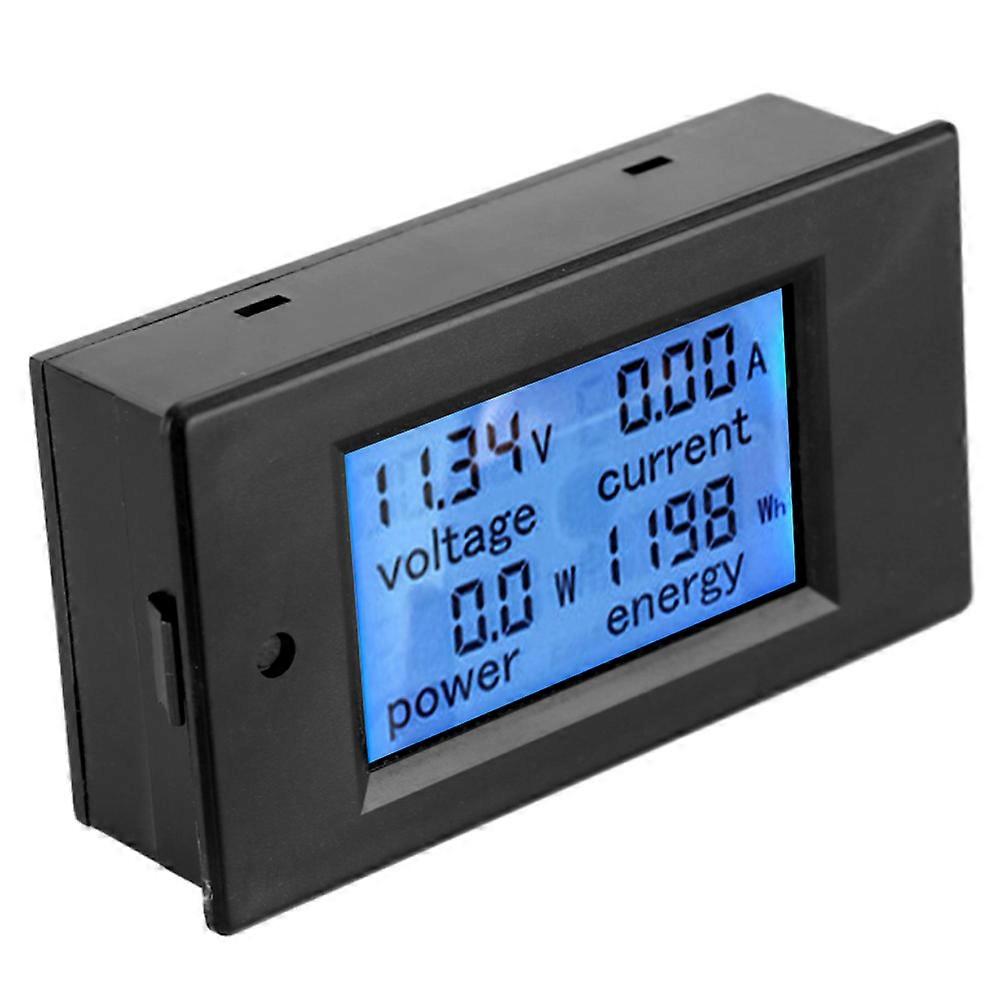
TSPZEM‑031 Voltmeter Ammeter DC Multi‑Function Digital Display LCD Current Meter Tester Detector

84,00 RON
+ 6,99 RON Livrare

TSPZEM‑031 Voltmeter Ammeter DC Multi‑Function Digital Display LCD Current Meter Tester Detector

  • Marcă: Unbranded
Vândut de:

TSPZEM‑031 Voltmeter Ammeter DC Multi‑Function Digital Display LCD Current Meter Tester Detector

  • Marcă: Unbranded

84,00 RON

Economii 45,00 RON (34%)

Preț recomandat

129,00 RON
În stoc
+ 6,99 RON Livrare
Vândut de:

84,00 RON

Economii 45,00 RON (34%)

Preț recomandat

129,00 RON
În stoc
+ 6,99 RON Livrare

Acceptăm următoarele metode de plată

Descriere

TSPZEM‑031 Voltmeter Ammeter DC Multi‑Function Digital Display LCD Current Meter Tester Detector

TSPZEM‑031 Voltmeter Ammeter DC Multi‑Function Digital Display LCD Current Meter Tester Detector Condition: Material: ABSWorking Voltage: 6.5~100VDC Rated Power: 20A / 2000W Measurement Accuracy: Level 1.0 Display and Button Display Interface:The large LCD screen displays the voltage, current, power and power parameters simultaneously. Display Format: 1. Power: Test range 0~2kW The display format within 1kW is 0.0~999.9W; The display format above 1kW is 1000~2000W. 2. Electricity: Test range 0~9999kWh The display format within 10kWh is 0~9999Wh; The display format above 10kWh is 10~9999kWh; Display format 6.50~99.99V 4. Current: Test range 0~20A The display format is 0.00~20.00 Button: 1. Control of the backlight The backlight can be turned on or off by short pressing the button, and the poor light state is automatically saved when the power is turned off. 2. Reset the battery Step 1: Press and hold the button until the ''CLr'' character is displayed in the power display area, and then release the button; Step 2: At this time, the battery flashes to indicate that the battery is currently reset. If you press the button again for a short time, the power data is cleared and reseted and flashing; Step 3: If there is no pressing operation within 5 seconds, it means that the power data is not reseted and exits the reset state. Step 1: Press and hold the button until the ''SET'' character is displayed in the power display area, and then release the button; Step 3: After setting, press and hold the button until the screen displays ''PASS'' character to indicate that the setting is successful and automatically exits the setting state.
  • ID Fruugo: 406073870-860903633
  • EAN: 8131328904304

Livrări şi Returnări

Expediat în 24 de ore

  • STANDARD: 6,99 RON - Livrare între joi 11 decembrie 2025–lun. 22 decembrie 2025

Livrare de la China.

Facem tot ce ne stă în putinţă să ne asigurăm că produsele comandate de dumneavoastră vă sunt livrate în întregime şi conform specificaţiilor. Cu toate acestea, dacă primiţi o comandă incompletă sau articole diferite de cele comandate, sau aveţi alt motiv pentru care nu sunteţi mulţumit de comandă, puteţi returna comanda sau orice produse incluse în comandă şi primiţi o rambursare completă pentru articole. Vizualizaţi întreaga politică de returnare