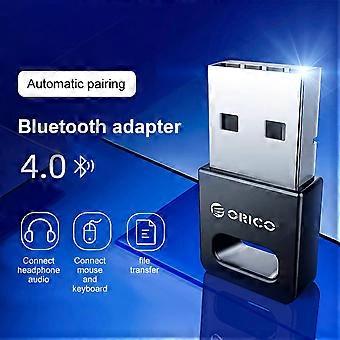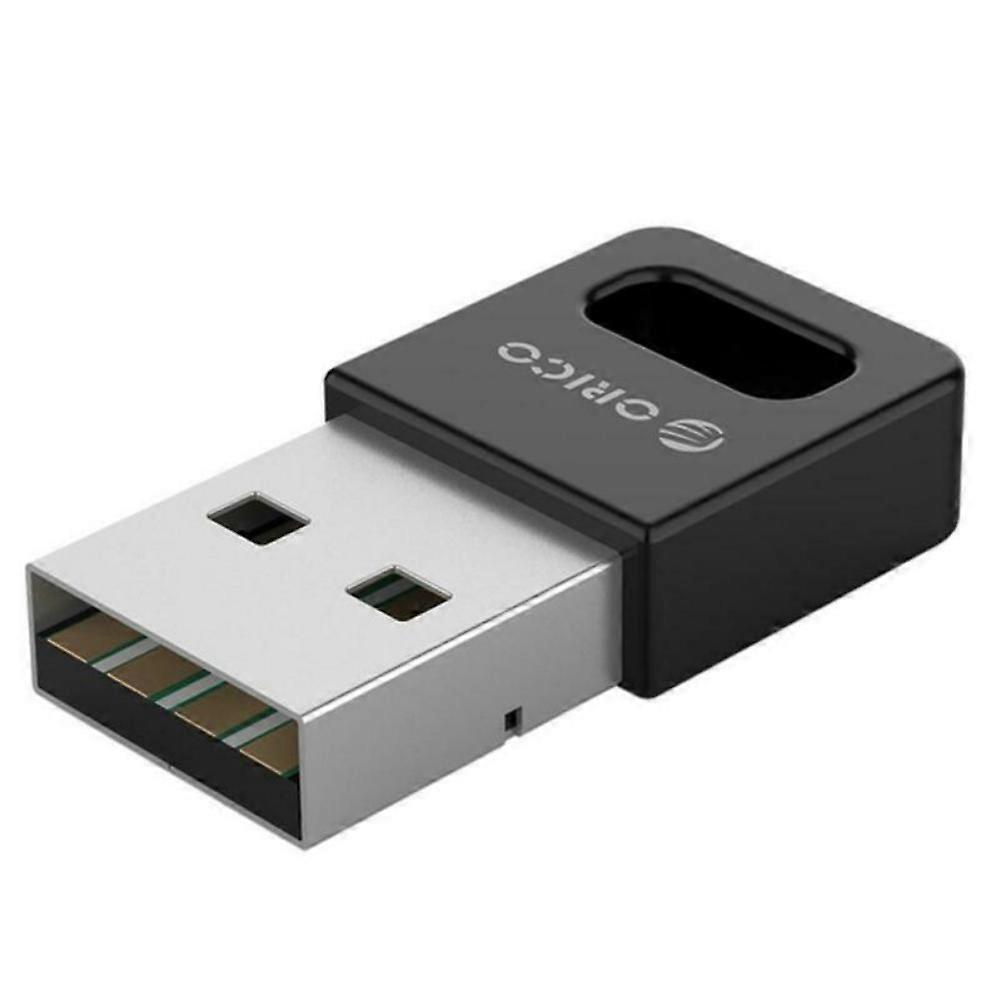
Wireless Bluetooth Adapter USB PC External Receiver for Bluetooth Speaker, Keyboard, Mouse, Game Controller

89,00 RON
Livrare GRATUITĂ

Wireless Bluetooth Adapter USB PC External Receiver for Bluetooth Speaker, Keyboard, Mouse, Game Controller

  • Marcă: Unbranded
Vândut de:

Wireless Bluetooth Adapter USB PC External Receiver for Bluetooth Speaker, Keyboard, Mouse, Game Controller

  • Marcă: Unbranded

89,00 RON

Economii 60,00 RON (40%)

Preț recomandat

149,00 RON
În stoc
Livrare GRATUITĂ

Politica de retur pe 14 zile

Vândut de:

89,00 RON

Economii 60,00 RON (40%)

Preț recomandat

149,00 RON
În stoc
Livrare GRATUITĂ

Politica de retur pe 14 zile

Metode de plată:

Descriere

Wireless Bluetooth Adapter USB PC External Receiver for Bluetooth Speaker, Keyboard, Mouse, Game Controller

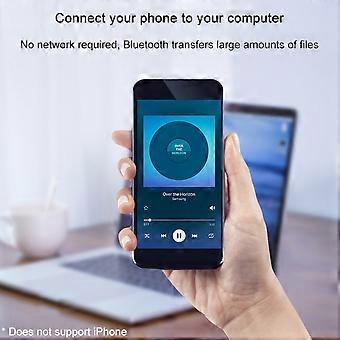
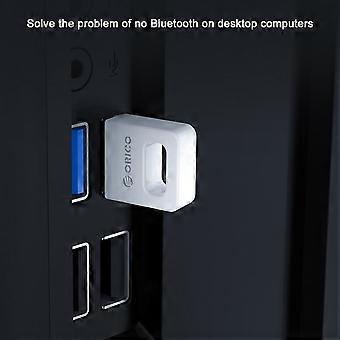
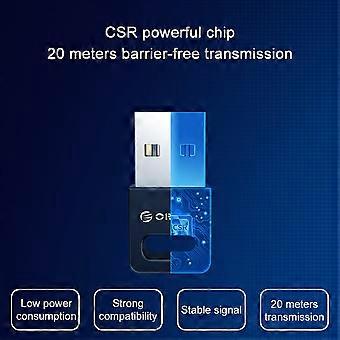
Description: Color: Black Interface: USB TYPE-A interface Product material: ABS material Chip: CSR8510 chip specification: Bluetooth 4.0 specifications Transmission rate: 3Mbps Transmission distance: ≤ 20m (more accessible transmission effect within 10m) User Guide: 1. Insert the Bluetooth adapter into the computer's USB interface, and download the driver on the Orico official website, decompression, run Setup.exe for installation. 2. The installation process will the window prompt selection, open the search mode, SCMS-T is enabled, the type is selected according to the computer type, then click Next until it is completed. If the installation process 360 and other related management programs are prompted to write to the registry, please select Allow. 3. After driving the installation, double-click the computer (my computer) to open my Bluetooth device, select Add Device - All, double-click the searchable Bluetooth headset device, automatically start pairing, if you have prompted "Bluetooth Password", general 0000 (Some passwords depending on the Bluetooth headset will be different, some are 8888, or 1234, etc., can view the manual of the device). 4. For the first time, you need to enter the Orico Bluetooth headset into the pairing mode. General Bluetooth headphones enter the pairing mode: In the shutdown state, press the boot button to do not let go, press the indicator light of the 5 seconds or so, if it is red, the state is released, this is to enter the search mode (some headphones Entering the pairing mode is to hold the volume + and volume on the Bluetooth headset. For details, please refer to the Orico Headphone Manual), the computer can search this Bluetooth headset. 5. After connecting to the headset, it will generally automatically switch to the Bluetooth output. If the system does not automatically switch to Bluetooth audio output, go to the lower right corner sound icon right-play device, and set the Bluetooth headset to default output (under XP system) to start-control panel-sound and audio-audio settings). (The player sound that has been opened under the XP system will not switch to Bluetooth immediately, you need to exit the player, and turn it on to the Bluetooth output.). To implement a call function, set the default input to Bluetooth in recording (recording). Package Included: 1 x Desktop Notebook Bluetooth Receiver With enhanced drive, do not install the drive/tablet can only transfer files, install the full drive computer to connect to the Bluetooth headset listening to songs. Solve a desktop computer without Bluetooth issues, ordinary desktop computer generally does not have Bluetooth functionality. Computer connection wireless mouse and mouse response is sensitive and no delay, the office is freer. Mobile phone connection computer, no network, Bluetooth transfer a lot of files. Bluetooth automatic compatibility, WIN8 / WIN10 system is automatically compatible with Bluetooth 4.1 / 4.2 / 5.0, Win8 and above, etc.
  • ID Fruugo: 436089158-914279837
  • EAN: 9778424774234

Informații privind siguranța produsului

Vă rugăm să consultați informațiile despre siguranța produsului specifice acestui produs prezentate mai jos

Următoarele informații sunt furnizate de comerciantul independent terț care vinde acest produs.

Avertismente de siguranță: Warning to keep away from water to prevent electric shocks.
Ingrediente: Other

Livrări şi Returnări

Expediat în 3 zile

  • STANDARD: GRATUIT - Livrare între mar. 13 ianuarie 2026–joi 22 ianuarie 2026 - GRATUIT

Livrare de la China.

Facem tot ce ne stă în putinţă să ne asigurăm că produsele comandate de dumneavoastră vă sunt livrate în întregime şi conform specificaţiilor. Cu toate acestea, dacă primiţi o comandă incompletă sau articole diferite de cele comandate, sau aveţi alt motiv pentru care nu sunteţi mulţumit de comandă, puteţi returna comanda sau orice produse incluse în comandă şi primiţi o rambursare completă pentru articole. Vizualizaţi întreaga politică de returnare

Detalii de conformitate a produsului

Vă rugăm să consultați informațiile de conformitate specifice acestui produs prezentate mai jos.

Următoarele informații sunt furnizate de comerciantul independent terț care vinde acest produs.

Producător:
În continuare se prezintă informațiile de contact ale producătorului produsului relevant vândut pe Fruugo.

  • Yang Yue
  • Lixian Penghui Trading Co., Ltd.
  • Group 5,Renhe Village
  • Changde City
  • CN
  • 415500
  • susuruanruan@outlook.com
  • +1(319)277-0024

Persoana responsabilă în UE:
În continuare se prezintă informațiile de contact ale persoanei responsabile din UE. Persoana responsabilă este operatorul economic desemnat, cu sediul în UE, care este responsabil pentru obligațiile de conformitate referitoare la produsul relevant vândut în Uniunea Europeană.

  • eVatmaster Consulting GmbH
  • eVatmaster Consulting GmbH
  • Raiffeisen Street2 B1l
  • Rodgau
  • DE
  • 63110
  • contact@evatmaster.com
  • +49 61062699873