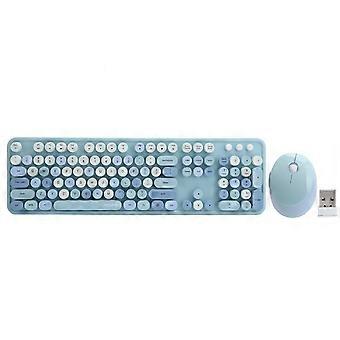
Wireless Keyboard Mouse Combo USB Drive Ergonomic Mechanical Hand Feel for Windows XP/win7/win8/win10Blue

359,00 RON
Livrare GRATUITĂ

Wireless Keyboard Mouse Combo USB Drive Ergonomic Mechanical Hand Feel for Windows XP/win7/win8/win10Blue

  • Marcă: Unbranded
Vândut de:

Wireless Keyboard Mouse Combo USB Drive Ergonomic Mechanical Hand Feel for Windows XP/win7/win8/win10Blue

  • Marcă: Unbranded

359,00 RON

Economii 100,00 RON (21%)

Preț recomandat

459,00 RON
În stoc
Livrare GRATUITĂ
Vândut de:

359,00 RON

Economii 100,00 RON (21%)

Preț recomandat

459,00 RON
În stoc
Livrare GRATUITĂ

Acceptăm următoarele metode de plată

Descriere

Wireless Keyboard Mouse Combo USB Drive Ergonomic Mechanical Hand Feel for Windows XP/win7/win8/win10Blue

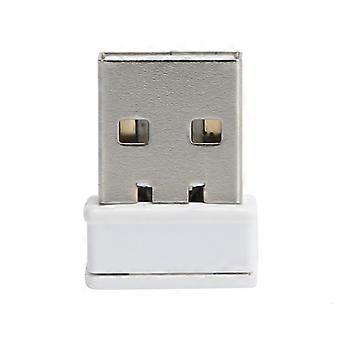
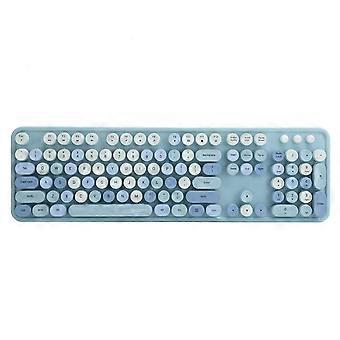
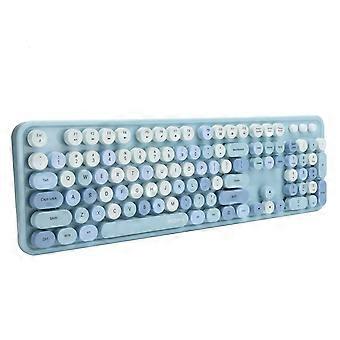
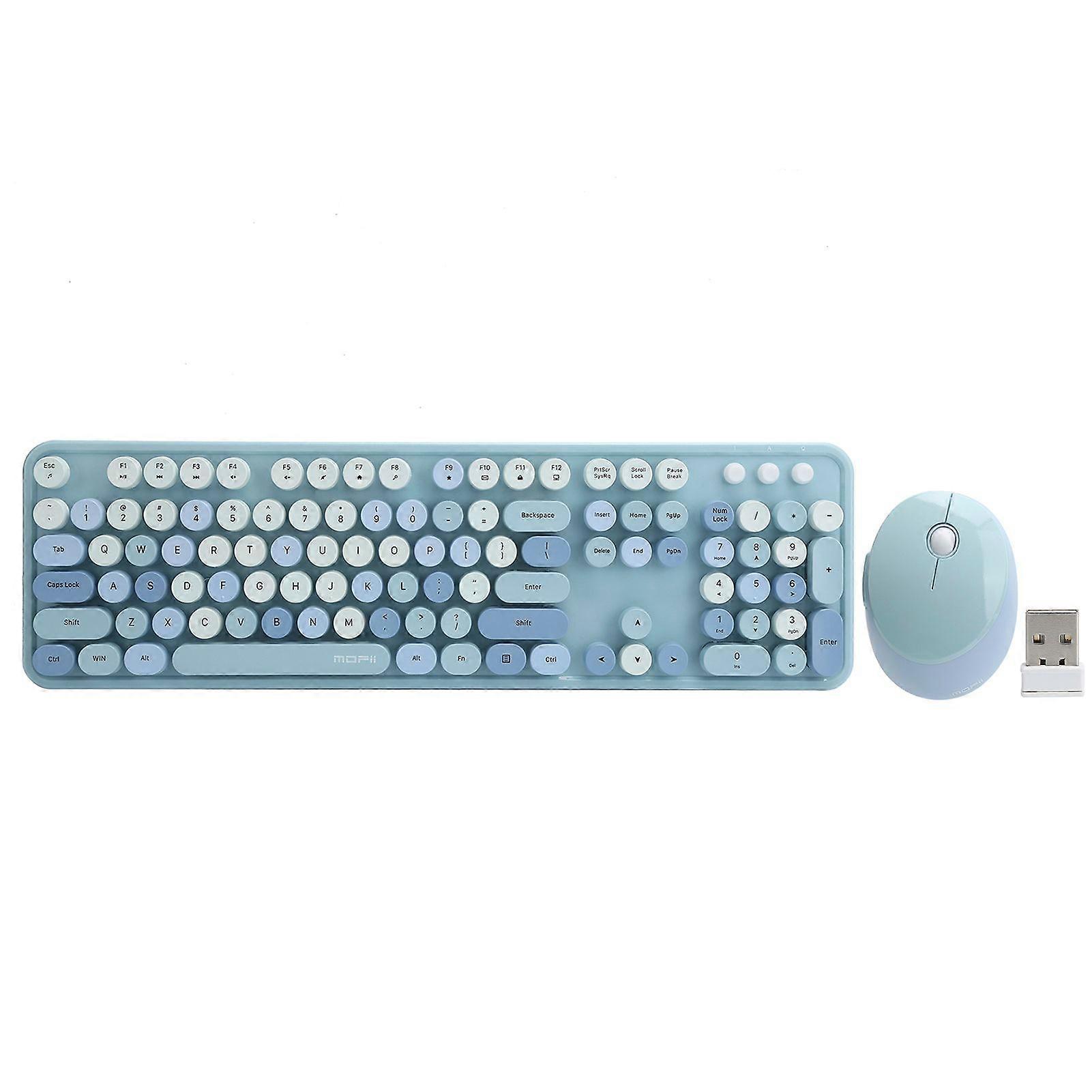
Feature:1. Wireless keyboard and mouse set, 104key keyboard, 5key mouse. Compatible for Windows XP/win7/win8/win10.2. With one USB drive, which can drive the keyboard and mouse at the same time, convenient for using.3. Improved membrane keyboard, key caps can be removed, high key position design brings mechanical feel, low noise.4. Multimedia buttons, the FN+multimedia composite buttons can realize quick operations such as play/pause and volume adjustment.5. An adjustable bracket is designed at the bottom of the keyboard to make the wrist at a relaxed angle, which ensures the flexibility of the fingers, while also taking into account the clarity of the viewing angle.Specification:Item Type: Keyboard Mouse Set Material: ABSNumber of Keyboard Keys: 104 keysNumber of Mouse Buttons: 5 buttonsSystem Requirements: for Windows XP/win7/win8/win10Multimedia Function Key: YesKeyboard and Mouse Interface: USBKeyboard Battery: 1 x AA battery (not included)Mouse Battery: 1 x AA battery (not included)How to Use:1. Take out the USB receiver from the bottom of the mouse and plug it into the USB port of the computer.2. Open the battery cover at the bottom of the mouse, and put an AA battery (not included) into the battery compartment (note that the positive and negative polarity of the battery must be correct) The LED light at the bottom of the mouse will light up once and then go out, close the battery cover.3. Open the battery cover at the bottom of the keyboard, put an AA battery (not included) into the battery compartment, pay attention to the positive and negative polarity of the battery must be correct), close the battery cover.4. You can also put the USB receiver into the receiver slot at the bottom of the mouse when it is carried out and not in use..Package List:1 x Mouse 1 x Receiver1 x Keyboard 1 x ManualNote:Please note that the keyboard color of this product will be sent randomly, please make sure you don't mind before ordering.
  • ID Fruugo: 426128021-894910685
  • EAN: 7313854844786

Livrări şi Returnări

Expediat în 2 zile

  • STANDARD: GRATUIT - Livrare între mar. 16 decembrie 2025–mar. 23 decembrie 2025 - GRATUIT

Livrare de la China.

Facem tot ce ne stă în putinţă să ne asigurăm că produsele comandate de dumneavoastră vă sunt livrate în întregime şi conform specificaţiilor. Cu toate acestea, dacă primiţi o comandă incompletă sau articole diferite de cele comandate, sau aveţi alt motiv pentru care nu sunteţi mulţumit de comandă, puteţi returna comanda sau orice produse incluse în comandă şi primiţi o rambursare completă pentru articole. Vizualizaţi întreaga politică de returnare